
Monster Arena Fiend Hunting Checklist
You can use this page to keep track of your fiend captures for the Monster Arena. Click the boxes beside each fiend as you capture them. The boxes act as a counter: clicking the seventh box, for example, will set that fiend’s tally to seven.
Each location is a dropdown: click its name to fold it away or open it again. A location starts off red, turns yellow once you have captured at least one of its fiends, and turns green once you have captured all ten of every fiend in it. Your progress is saved automatically, but only in the browser on the device that you are currently using. Check out the main Monster Arena page for more information about capturing fiends:
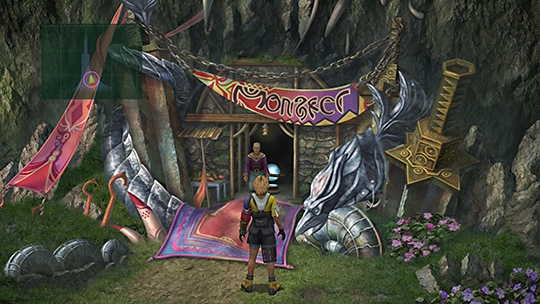
Everything that you need to know about capturing fiends, unlocking new creations, and earning rewards.
 Nirvana
Capture one of each fiend in the Calm Lands
0 / 9
Nirvana
Capture one of each fiend in the Calm Lands
0 / 9
 Blossom Crown
Capture one of each fiend on Mt. Gagazet
0 / 12
Mars SigilSaturn Sigil
Unlock 10 Area or Species Conquest fiends (both types are counted here automatically)
0 / 10
Blossom Crown
Capture one of each fiend on Mt. Gagazet
0 / 12
Mars SigilSaturn Sigil
Unlock 10 Area or Species Conquest fiends (both types are counted here automatically)
0 / 10
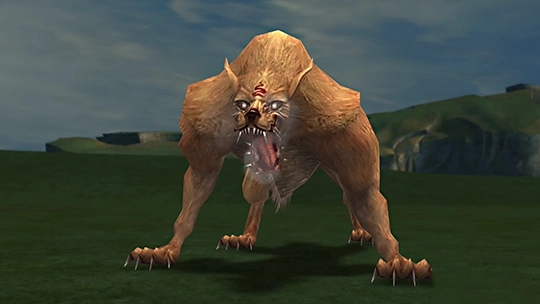
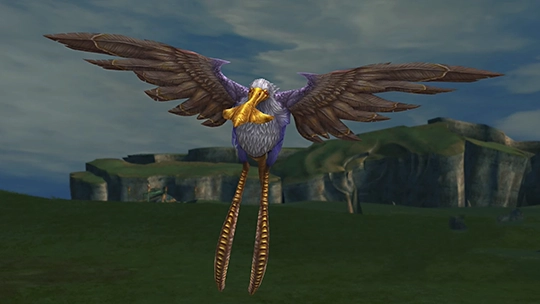
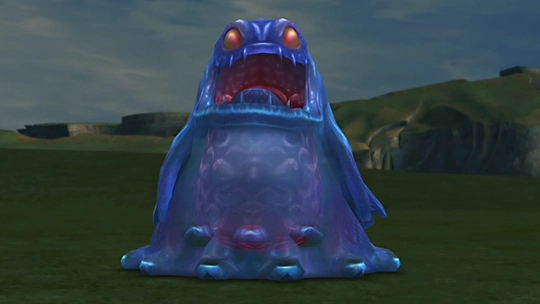
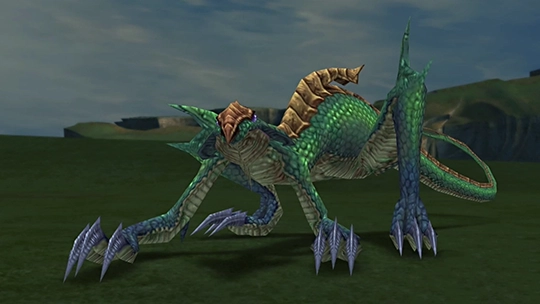
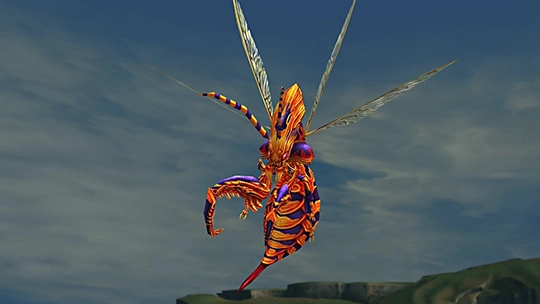
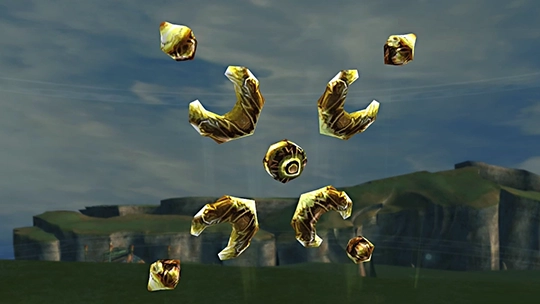
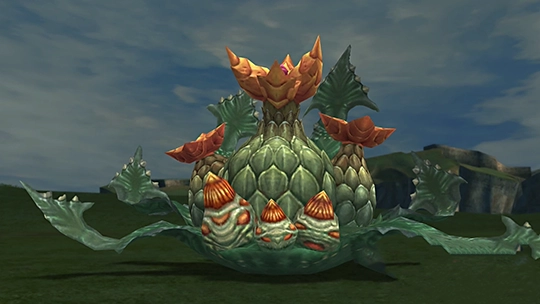
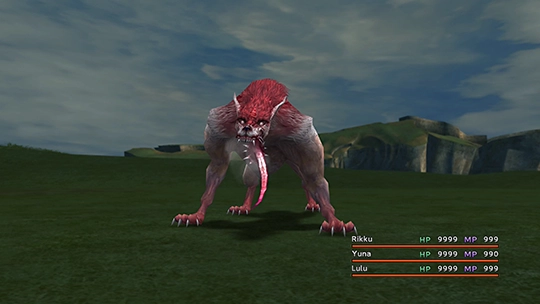
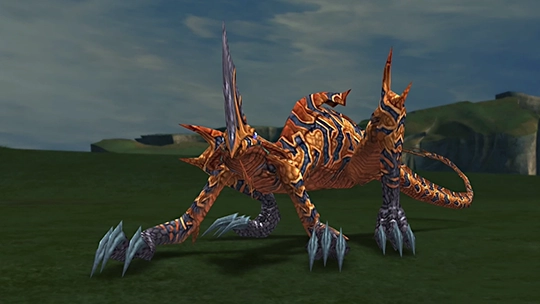
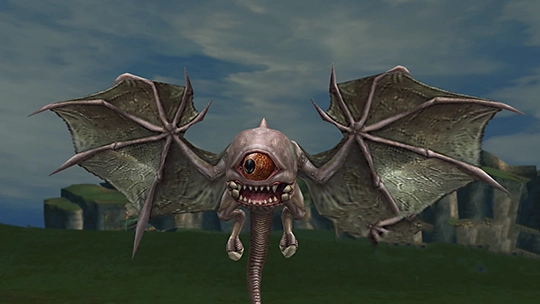
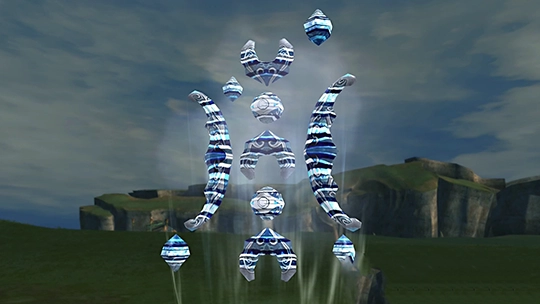
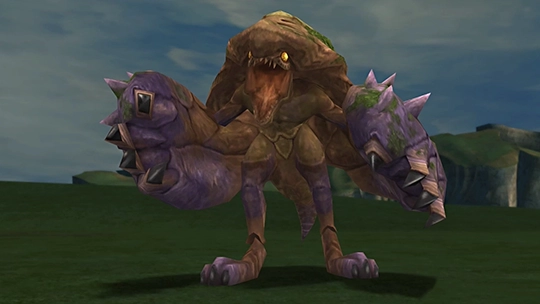
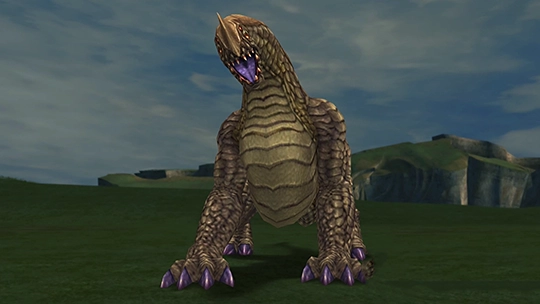

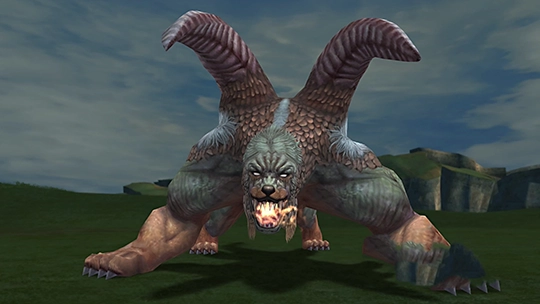
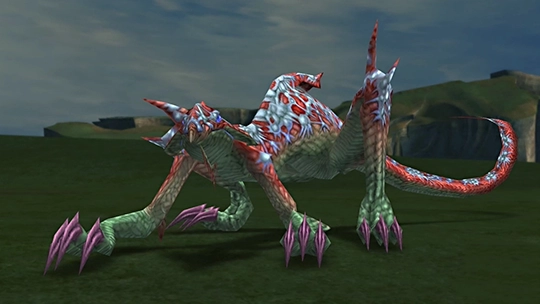
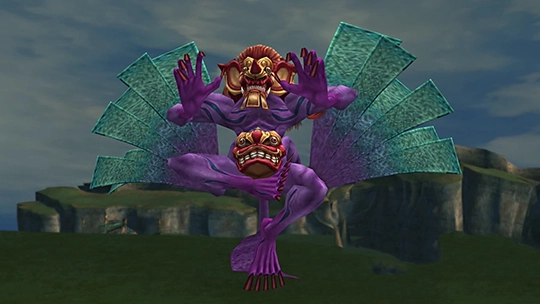

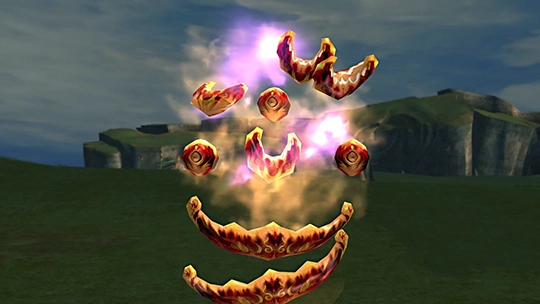
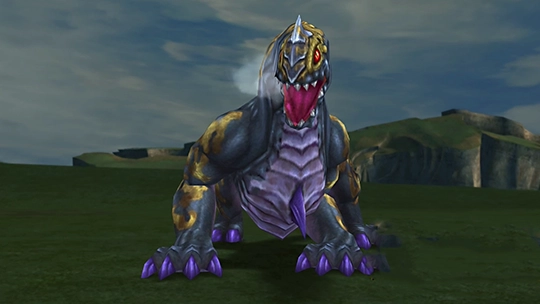
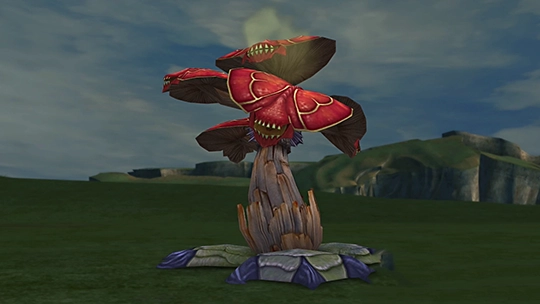
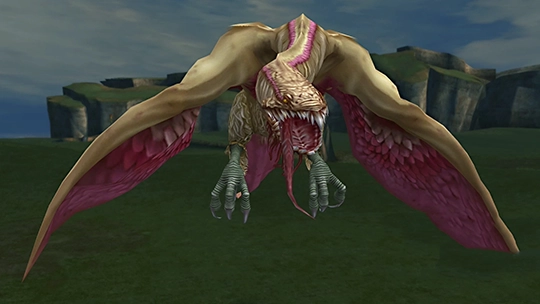
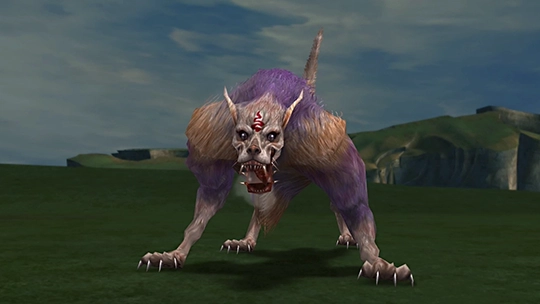
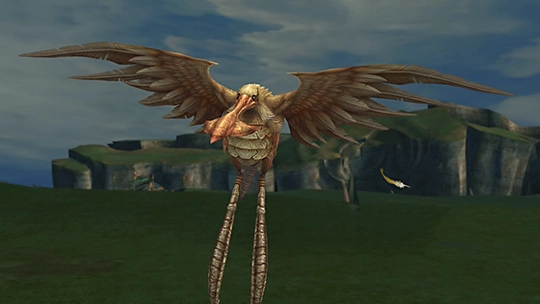
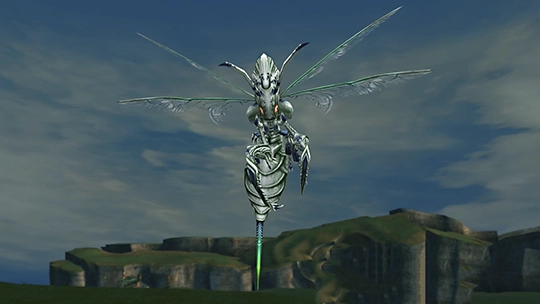
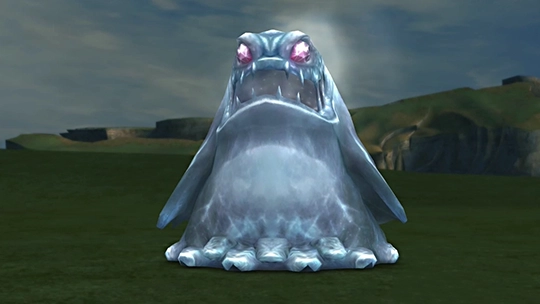
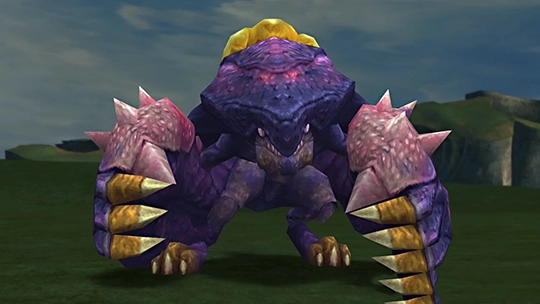
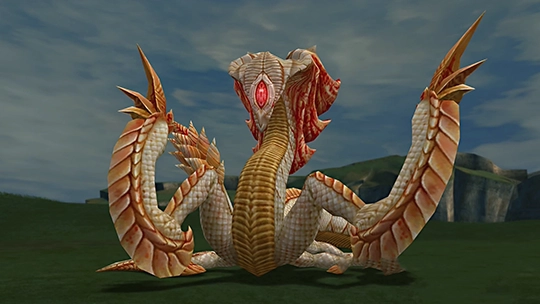
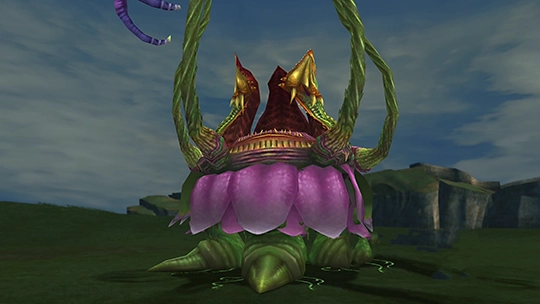
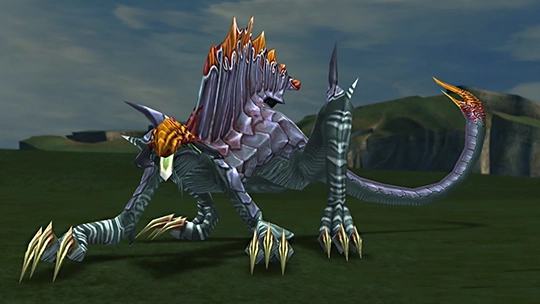
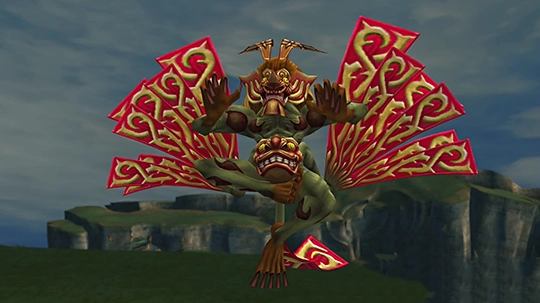
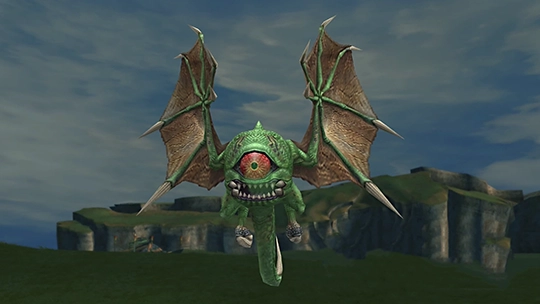
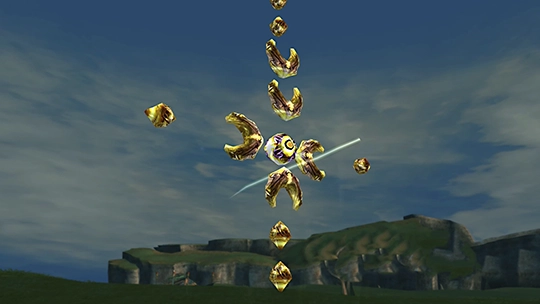
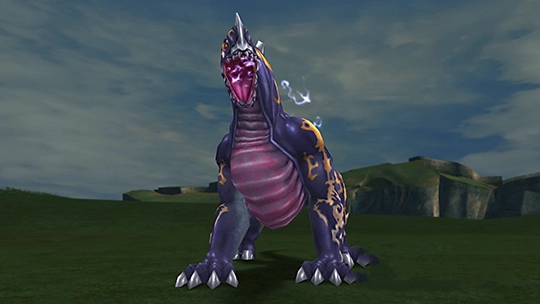
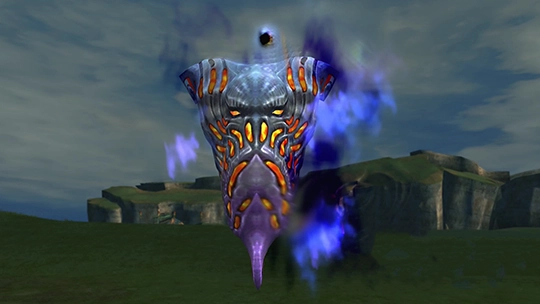
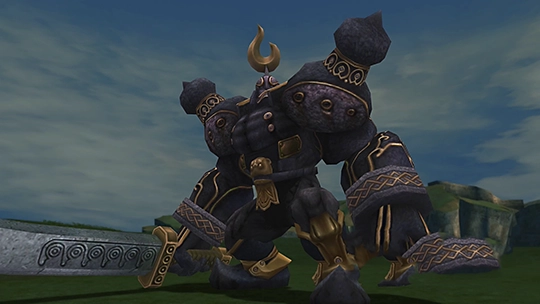

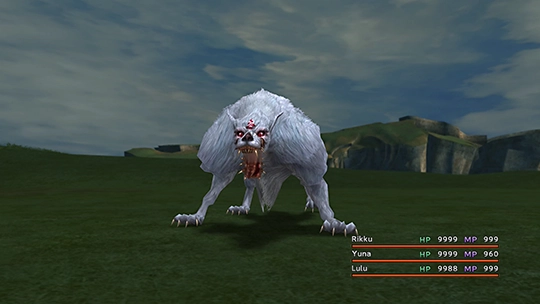
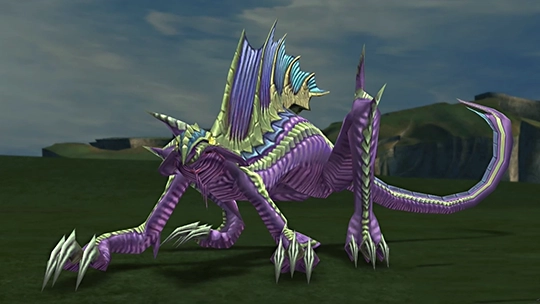
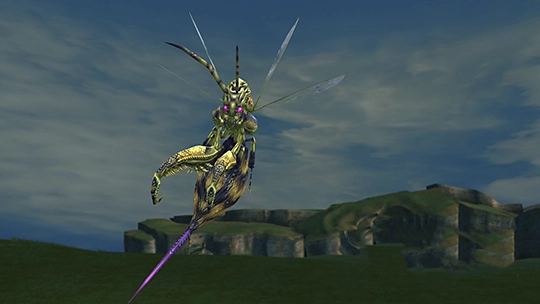
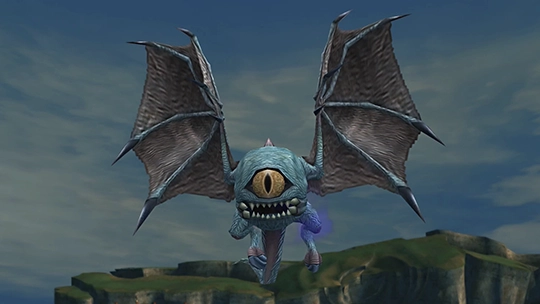
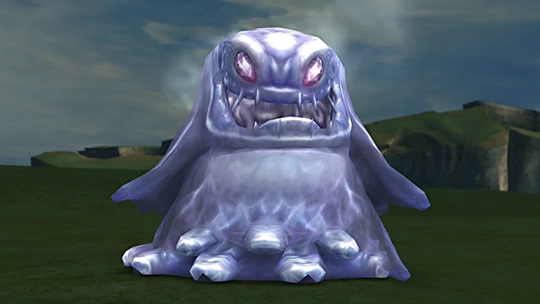
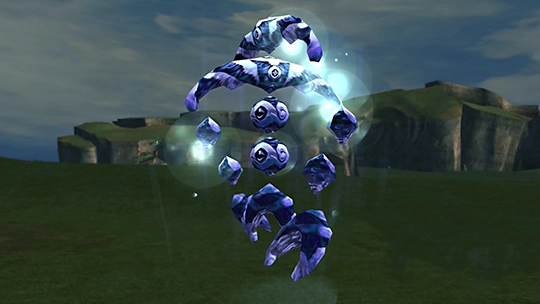
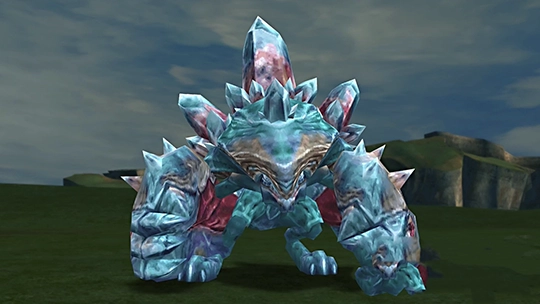
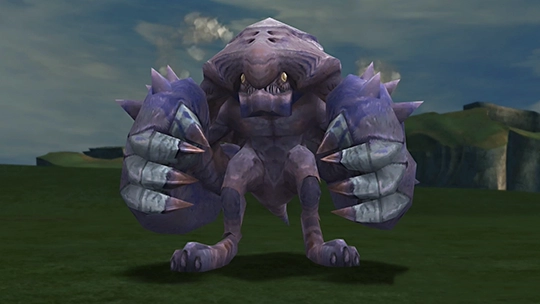
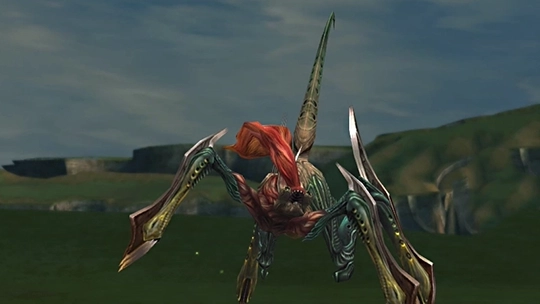
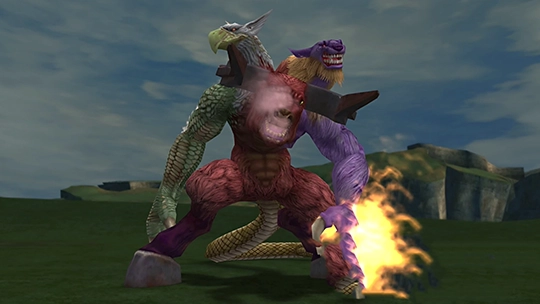
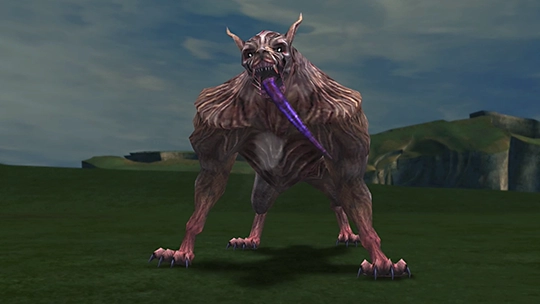
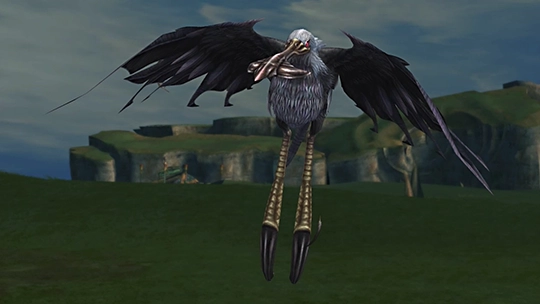
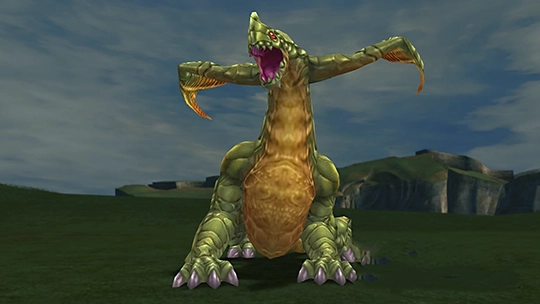
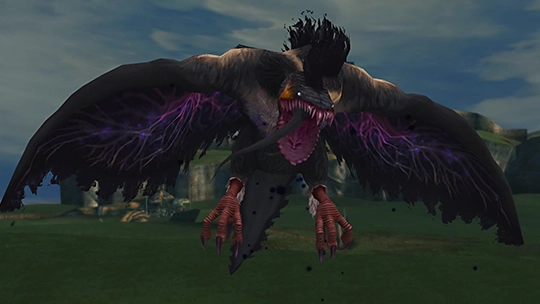
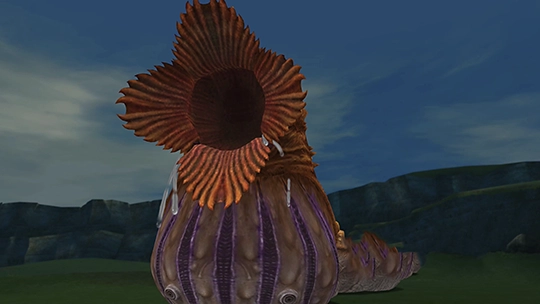

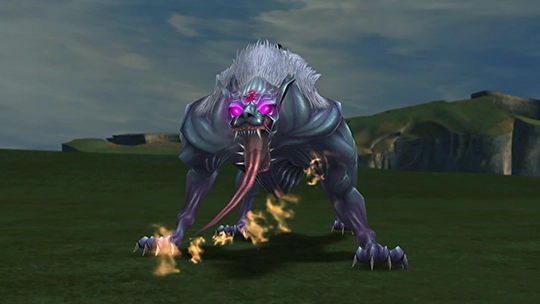
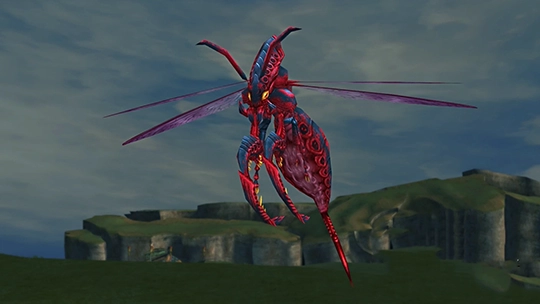
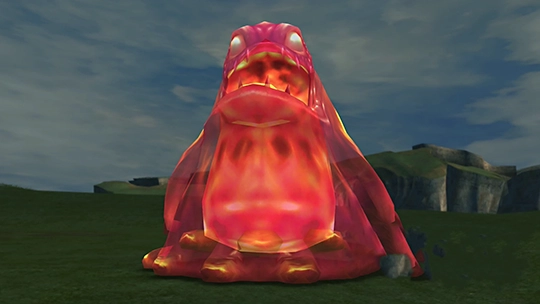
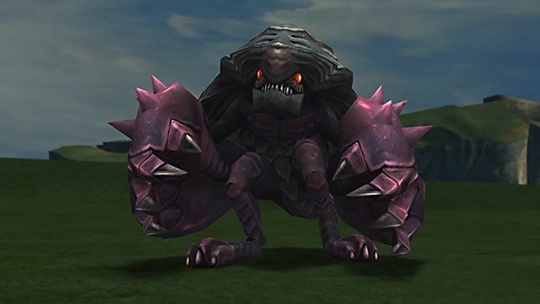
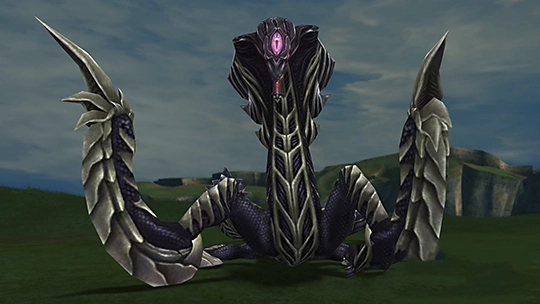
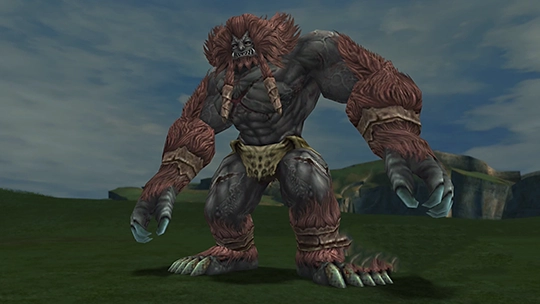
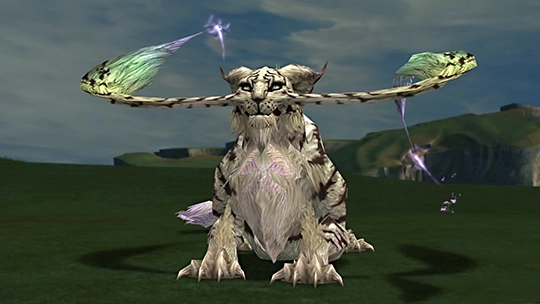
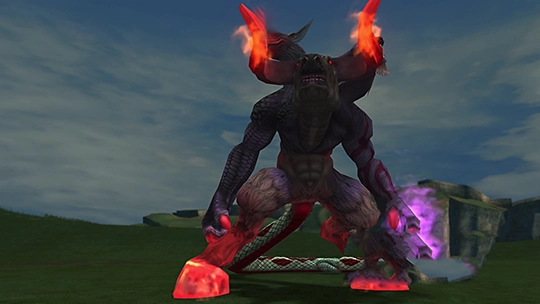
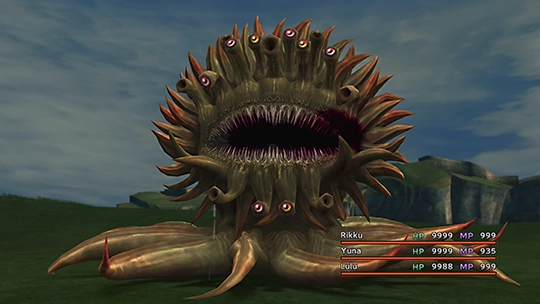
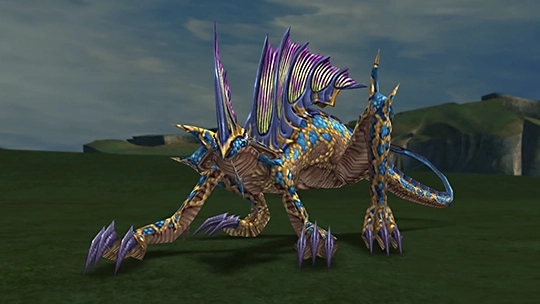
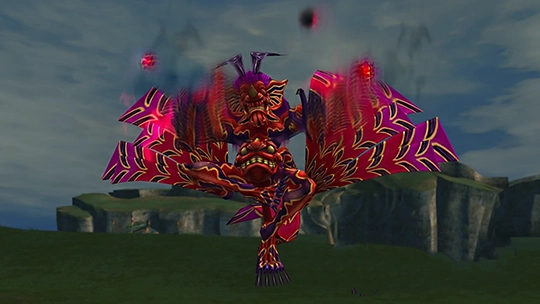
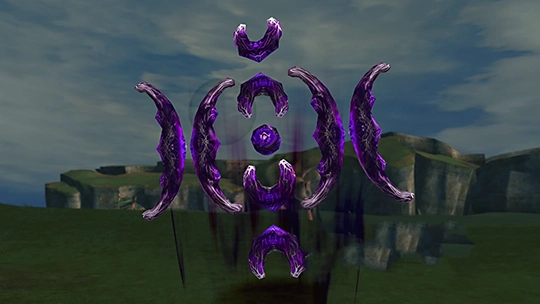
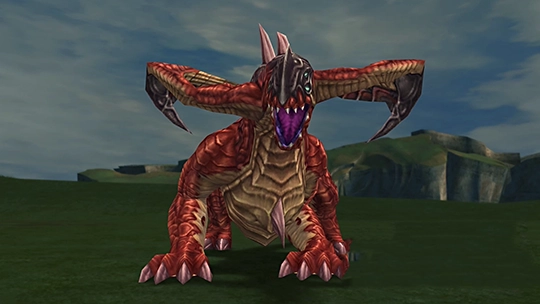
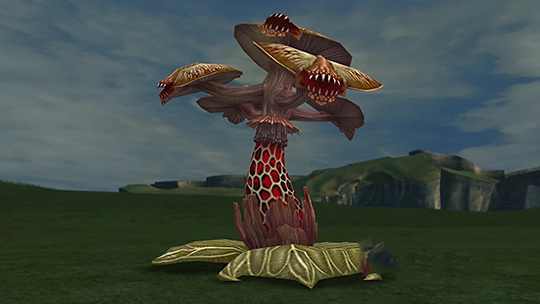
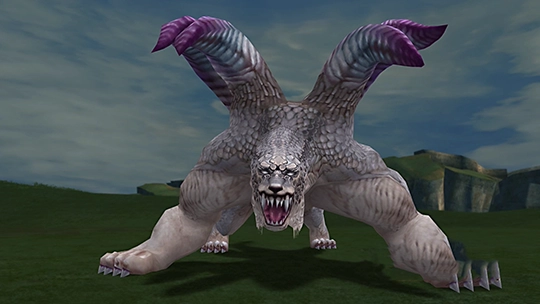
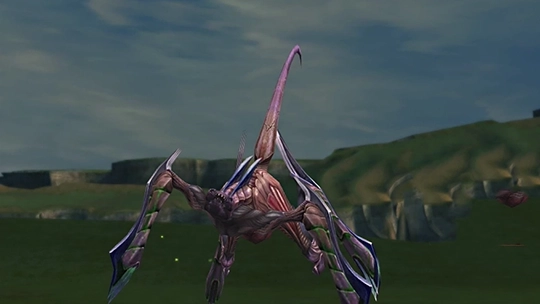
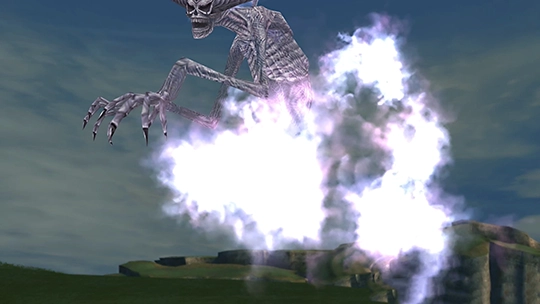
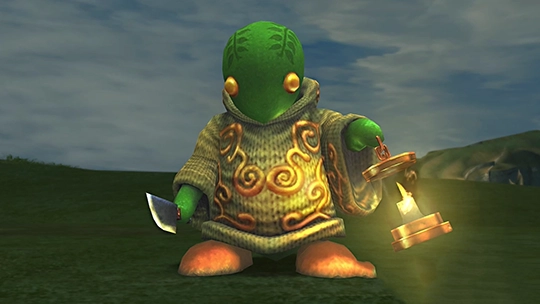
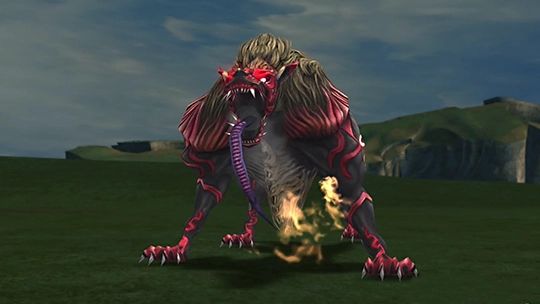
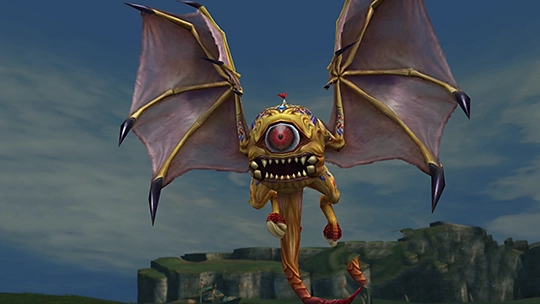
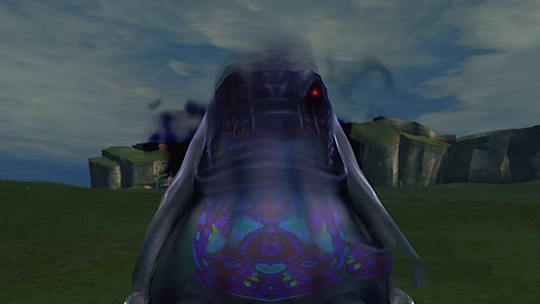
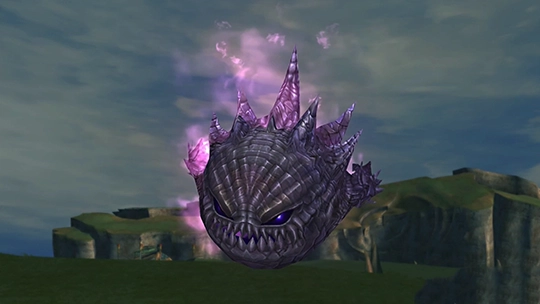
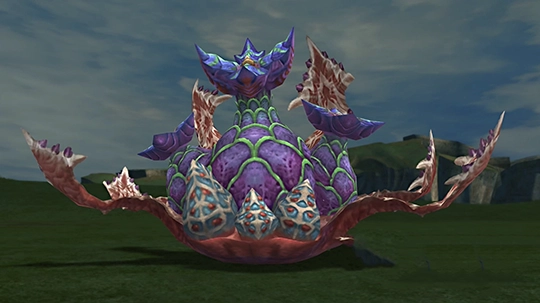
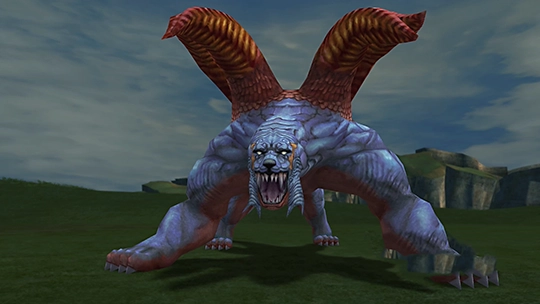
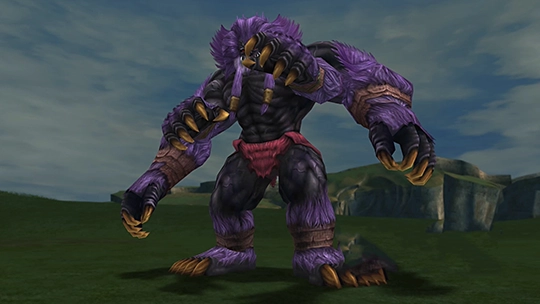
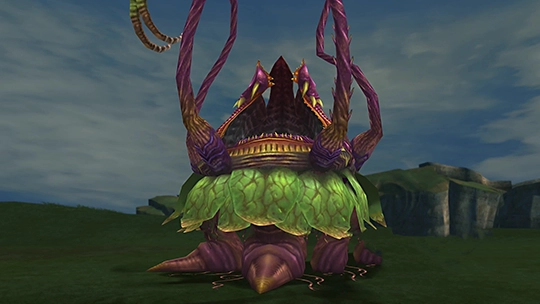
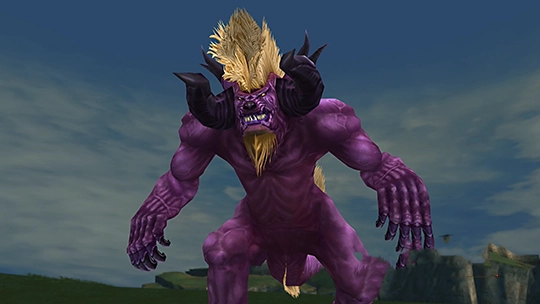
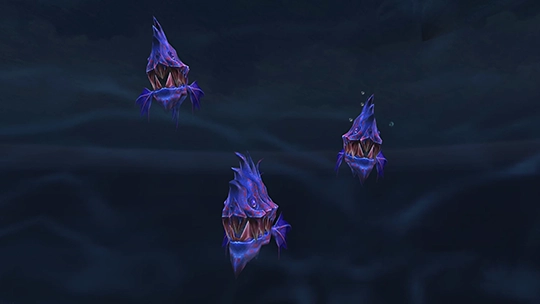
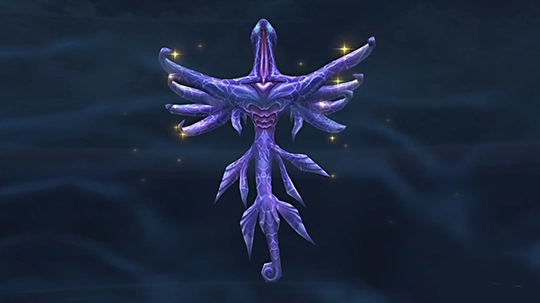
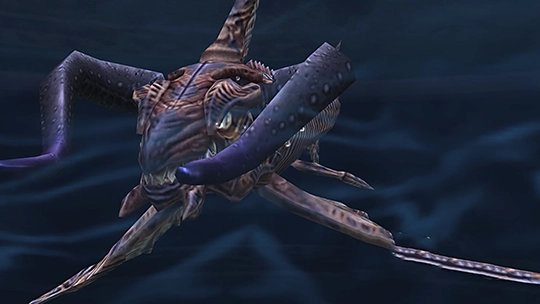
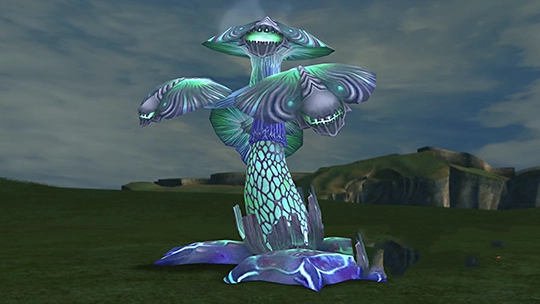
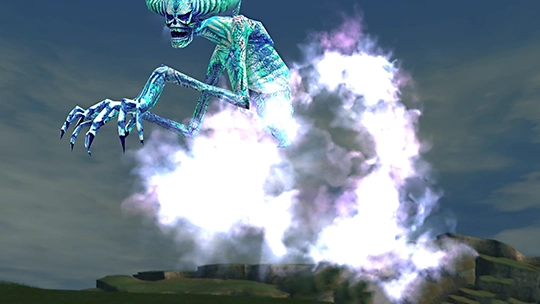
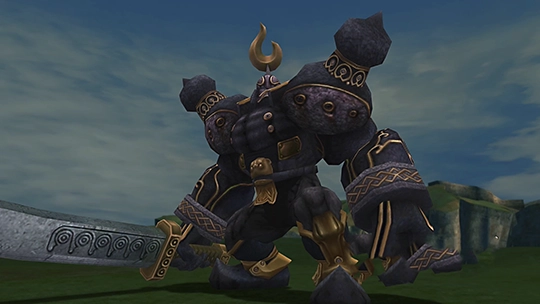
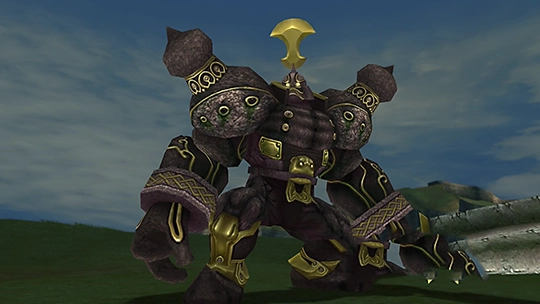
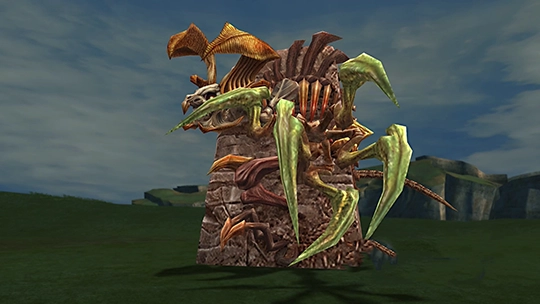
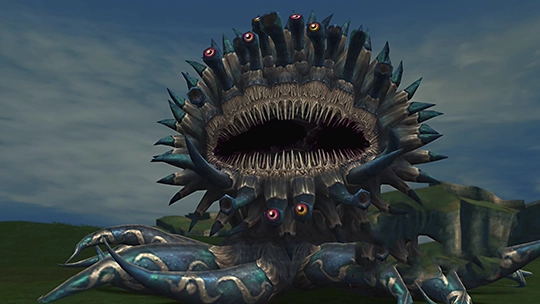
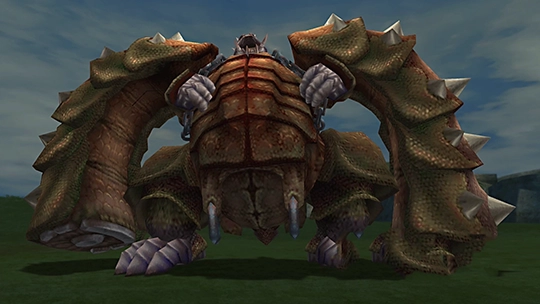
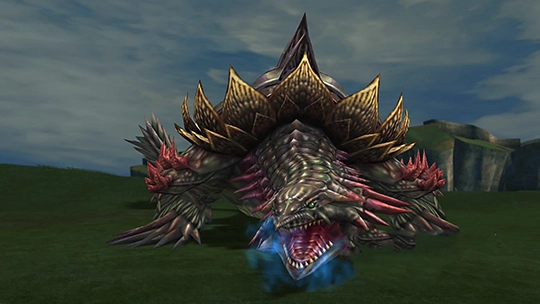
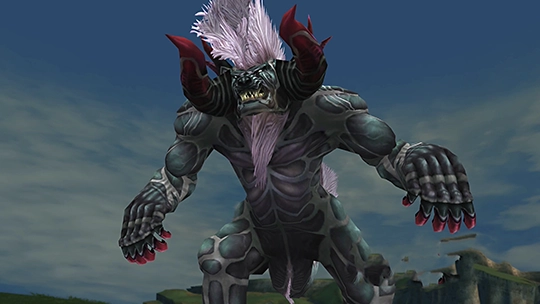
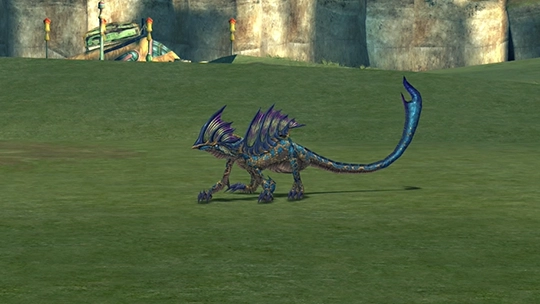
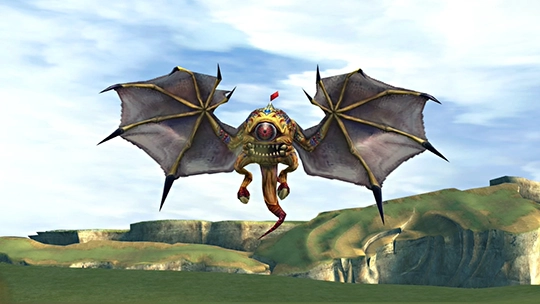
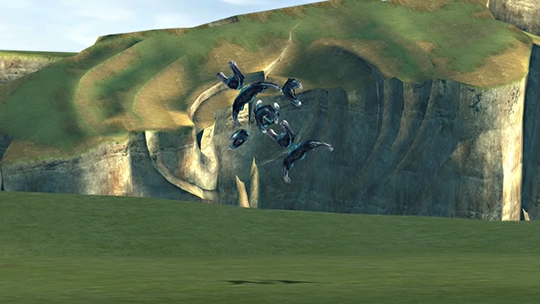
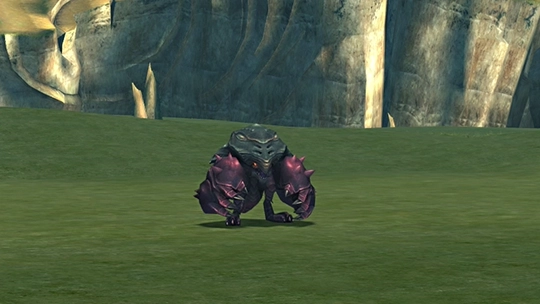
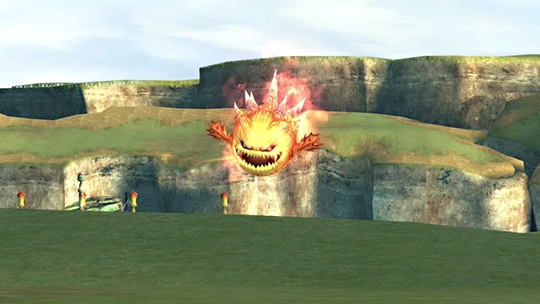
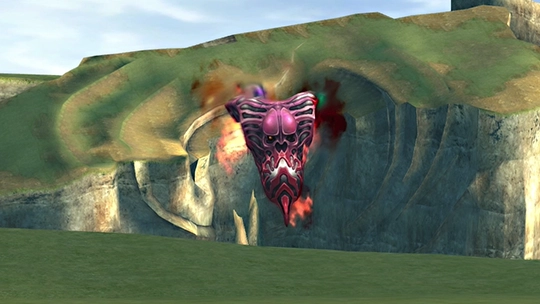
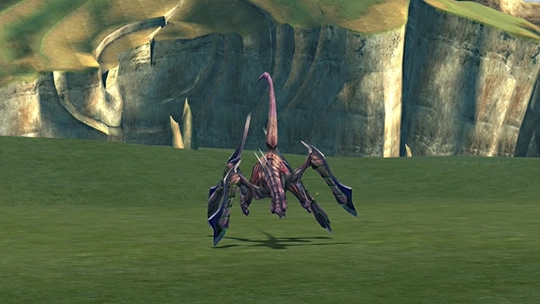
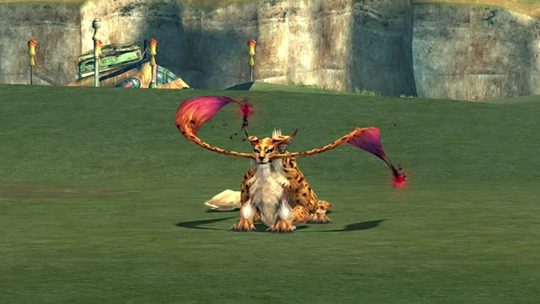
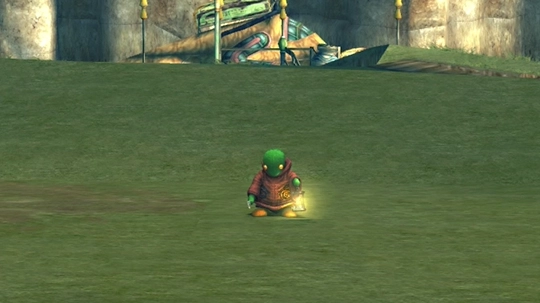
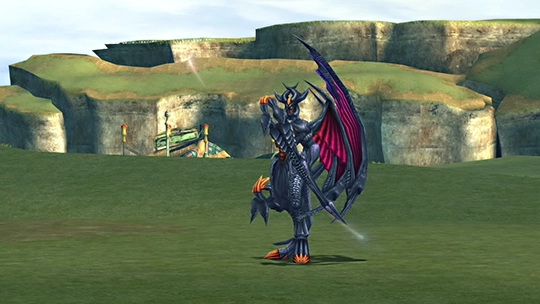
Capturing the required number of each fiend within a species unlocks a new creation in the Species Conquest section of the Monster Arena. These rows update automatically based on your captures above.